Better than Adventure! 8.0 is now available!
Hello! After over a year and a half of work, we’re beyond pleased to finally bring you Better than Adventure! v8.0 (on our fifth anniversary, no less!)
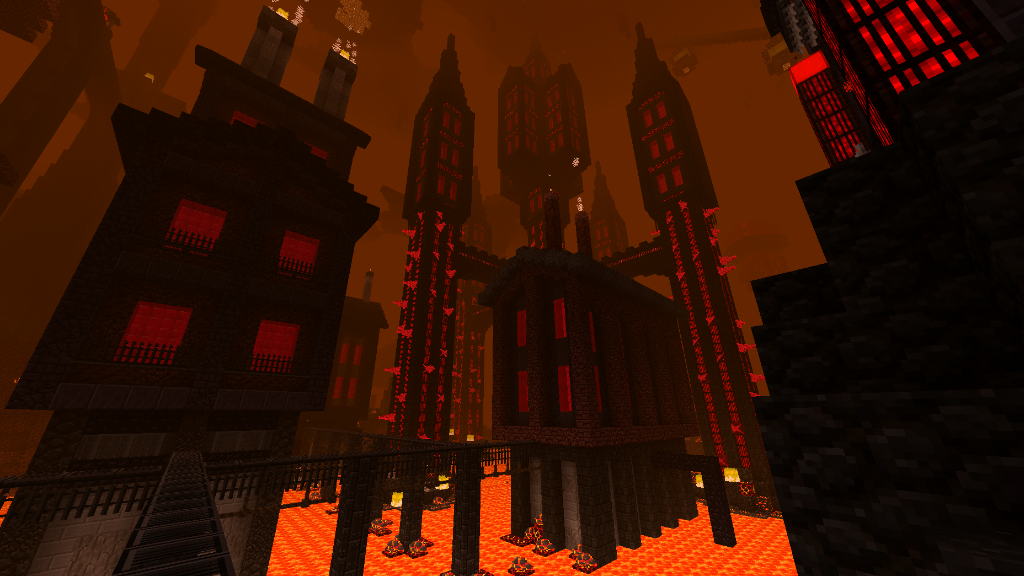
This update fully overhauls the Nether, bringing six new biomes, nearly a hundred new blocks, and over a dozen new items, as well as one new mob that’s pretty unrelated thematically speaking.
Special thanks to Thaboar for making the trailer, and everyone from our Discord server who participated in making builds/acting.
We’ve been planning out this Nether overhaul pretty much since the project’s inception; it was originally meant to ship in v1.7.7 for Halloween 2021, and it’s fair to say that we’ve missed that deadline by a fair bit. That said, please don’t assume we’re now “done with the Nether” - we’ve got plenty more planned out for BTA!’s take on the Nether in upcoming versions, such as new mobs to fight and structures to explore. Just like we’ve done with the Overworld, this update lays a foundation we intend to build on for many years to come.
Changelog
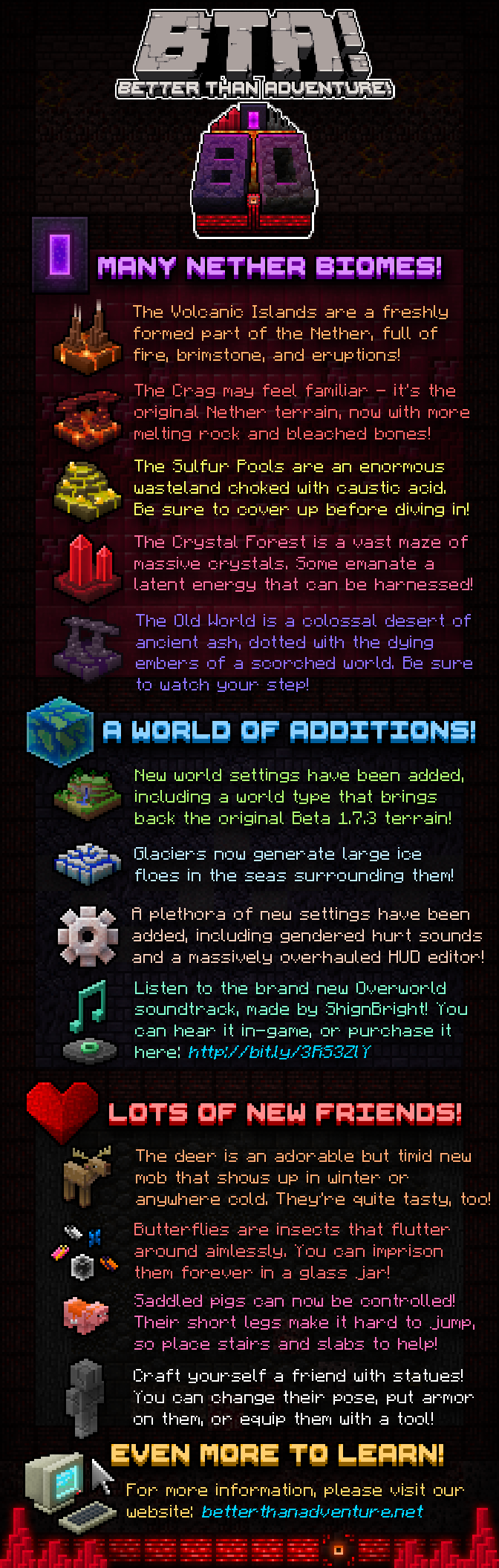
Here are the highlights in fancy infographic form:
Download
The best way to install this release is to use the Better than Adventure! Updater v3.0
To install it, simply drag and drop the downloaded ZIP file into Prism Launcher or MultiMC and import it. Then, run the updater and click “Install”. You’ll see a new “Better than Adventure!” instance in your launcher, which you can then run. This instance can then be easily upgraded to future versions of BTA! via the same updater, keeping your saves, settings and statistics intact. If you have any questions, please ask, and one of our team will assist you as soon as they can.
Downloads links can be found here.
Important!
As of this version, the required Java version for BTA! has been increased from Java 8 to Java 17. If you don’t know what this means or how to upgrade, please ask in our Discord server or submit a support ticket.
Manual Installation
To manually install with MultiMC/Prism just drag and drop the downloaded ZIP file into your launcher. More details can be found here under “Installation: MultiMC/Prism Instance”.
If you need any assistance in installing or have a bug to report, then please submit a ticket to our issue tracker.